Kyo Communication Log Add-on
Kyo Logic, LLC
Summary
Product Type: Add-ons
Price: Free
Last updated: 11/21/2025
Language: English
Product websiteCategory
Easy, built-in conversation tracking for your FileMaker app
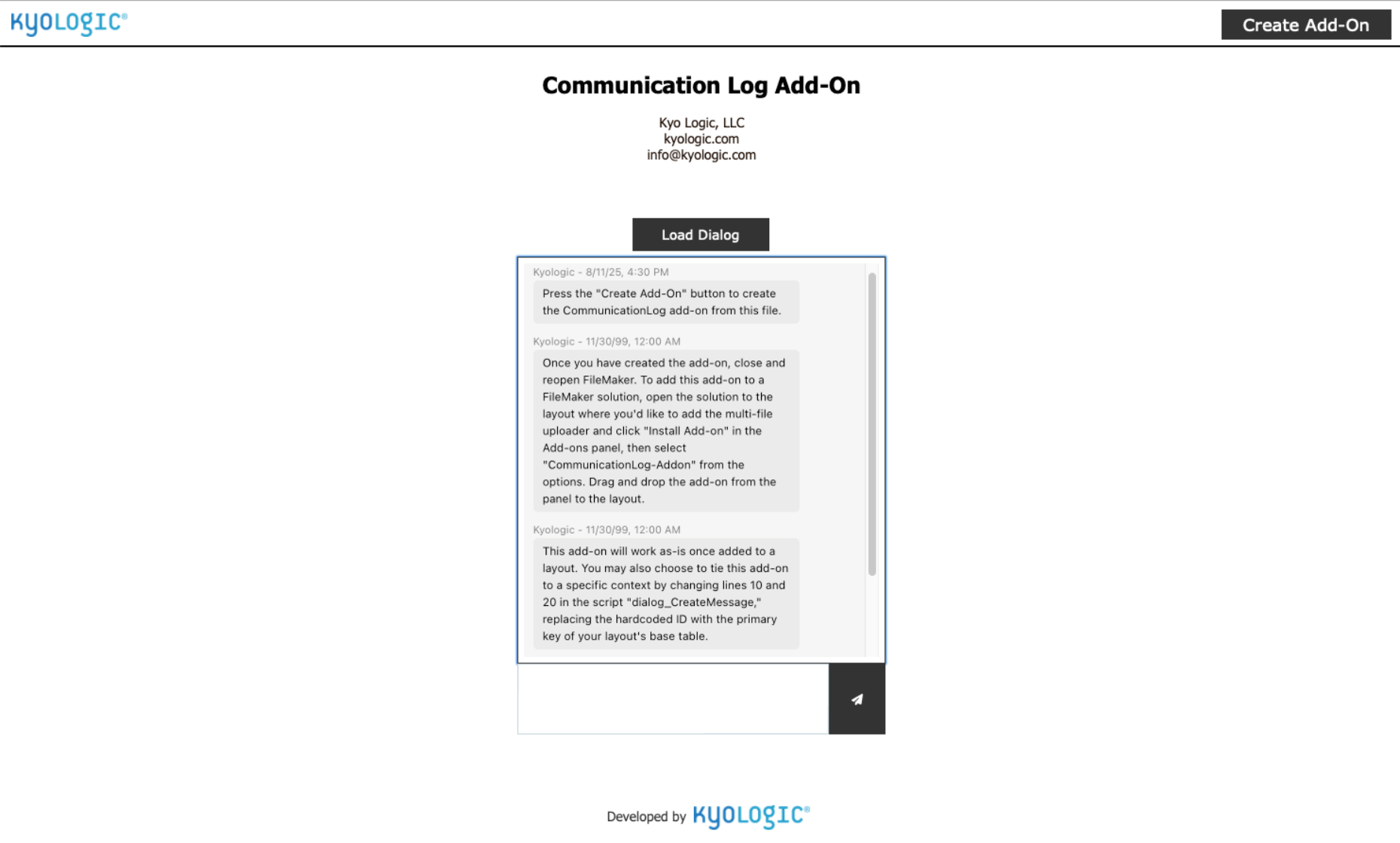
A fast, drop-in solution to see who said what right on the record in a sms-like communication thread.
The Kyo Communication Log is a free FileMaker Add-on that brings all client, project, and internal communication into one place; directly on the record where it belongs. Instead of scattered context across emails, chat threads, or spreadsheets, your team gets a complete, chronological history of what was said, by whom, and when, without ever leaving FileMaker.
Built for speed, clarity, and real-world workflows, the Communication Log helps teams collaborate smoothly, hand off work confidently, and maintain an auditable trail of interactions that keeps everyone aligned.
What It Does
The Communication Log attaches a timeline of messages (similar to how an sms text messaging thread looks) to any record in your app; customers, orders, tickets, projects, or anything else. Users can add call notes, email summaries, internal comments, and other touchpoints directly from the layout they’re working in.
The add-on uses a lightweight Web Viewer interface to display messages cleanly and consistently, with helper scripts to handle loading, creation, and context management. It drops into an existing file with minimal setup and adapts easily to different table structures.
Key Features
• Chronological, scrollable history of interactions
• Add call notes, email summaries, and internal comments
• Works on any layout or module tied to a primary key
• Simple JSON-based load behavior for reliability
• Ships with two helper scripts for quick configuration
• Reusable across multiple contexts (customers, orders, projects, etc.)
• Clean UI that can be styled to match your theme
• Fully compatible with FileMaker’s modern Add-on architecture
Benefits
• Faster, clearer handoffs; everyone sees the same information
• No more “Did anyone call them?” or duplicate outreach
• A trustworthy audit trail for compliance, service quality, and accountability
• Reduced reliance on external tools for communication tracking
• Keeps users inside FileMaker instead of switching between apps
How It Works
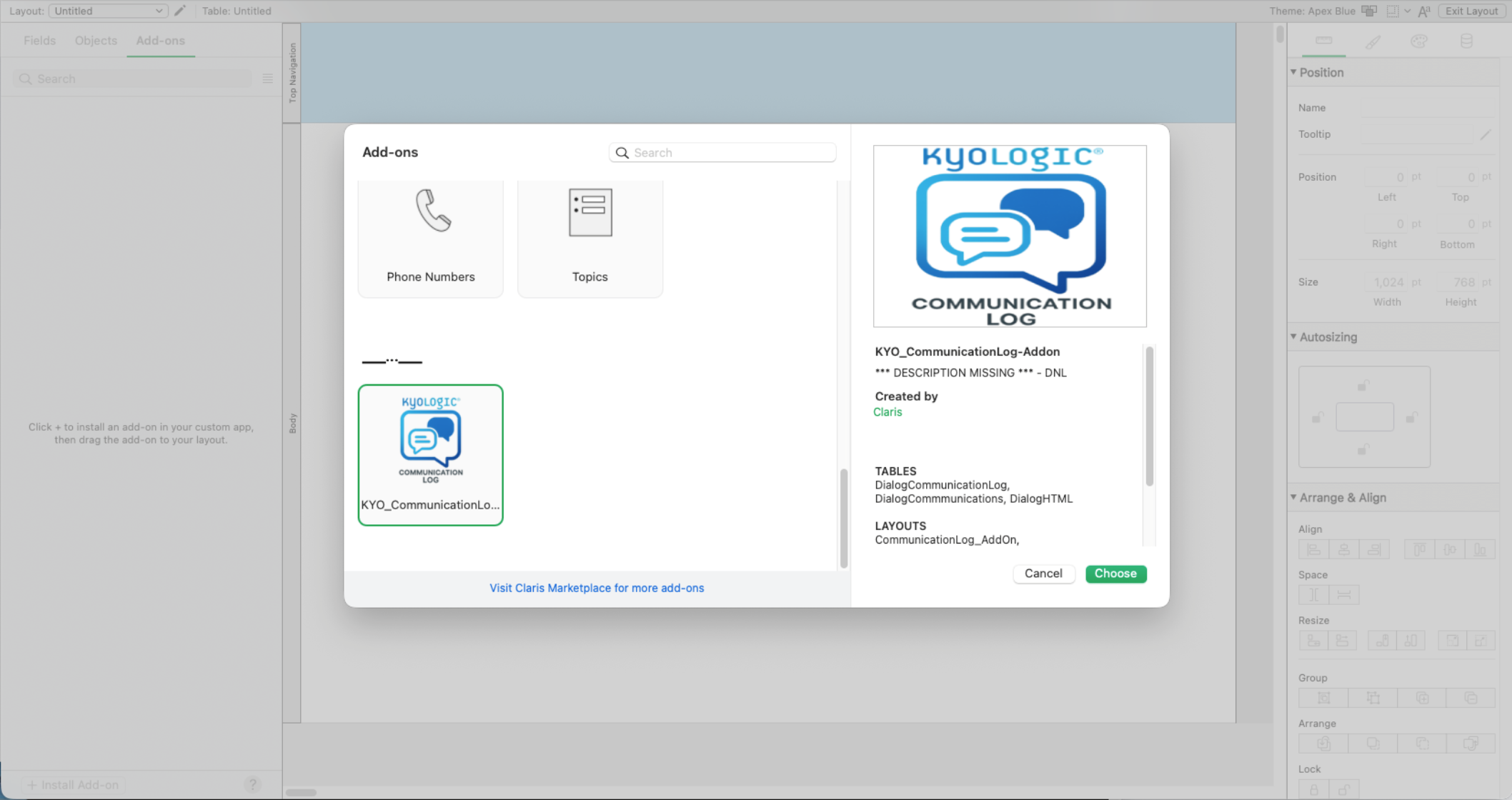
After installing the add-on, you drag its block onto any layout and point it to your table’s primary key. The included scripts handle message creation and Web Viewer loading. A simple JSON parameter tells the add-on which record to display.
For deployments with multiple modules, you can reuse a single Communication Log by replacing hard-coded IDs in the provided scripts with your table’s key fields. Optional trigger setup allows the log to update automatically when switching records or entering layouts.
Technical Requirements
• FileMaker Pro or FileMaker Server 19 or later
• A table with a unique primary key
• Script triggers recommended for optimal loading behavior
Advanced Options
Power users can duplicate the add-on instance for separate message types (internal vs. external), call load scripts on multiple triggers, or version-control the add-on bundle to support team-based development.
Why It Works
Most teams already track interactions, but rarely in one place. The Communication Log brings structure, consistency, and visibility to your communication records without requiring a redesign of your existing app. It installs in minutes and starts delivering value immediately.
Additional resources
Claris product features
See why Claris products are the top choice for developers for their low code needs.

Product resources
Get instant access to helpful resources and start creating custom apps today.